
The Shows section of the LIVEBUY Dashboard allows you to manage all live shows and replays in one central place. Here you can find an overview of planned, currently live, and performed shows. Furthermore you can plan a live show, moderate a live show and manage all your shows - live and performed.
Shows Overview
The overview displays all shows in either a list view or a grid view. You can switch between these views using the button in the bottom-right corner of the page.
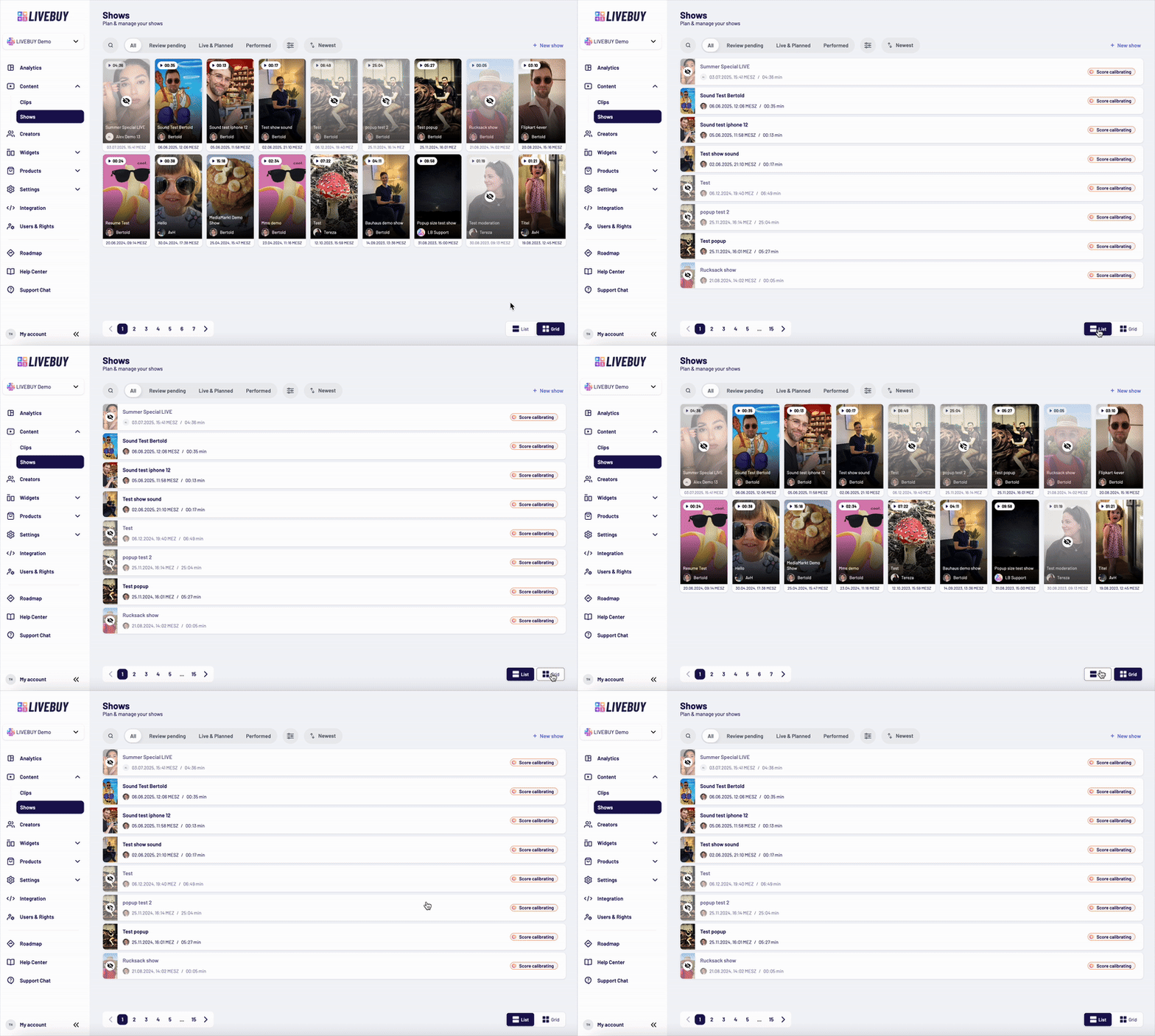
In both views, each show displays the following information:
-
Publication status (published or unpublished)
-
Thumbnail image
-
Show title
-
Creator icon and creator name
-
Date and time of the show
-
Duration of the performed show
In list view, you additionally see the content score. If there is not yet enough data to calculate a score, it will be displayed as “Score calibrating”.
Tabs & Navigation
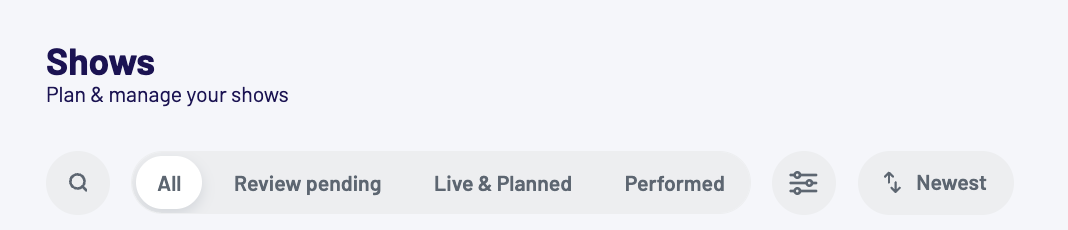
At the top of the overview, you can use the following tabs to filter your shows:
-
All – Displays all shows
-
Review pending – Shows planned live shows that require review
-
Live & Planned – Displays all upcoming and currently live shows
-
Performed – Displays completed shows and replays
A search bar allows you to quickly find specific shows by title or creator.
Filters & Sorting
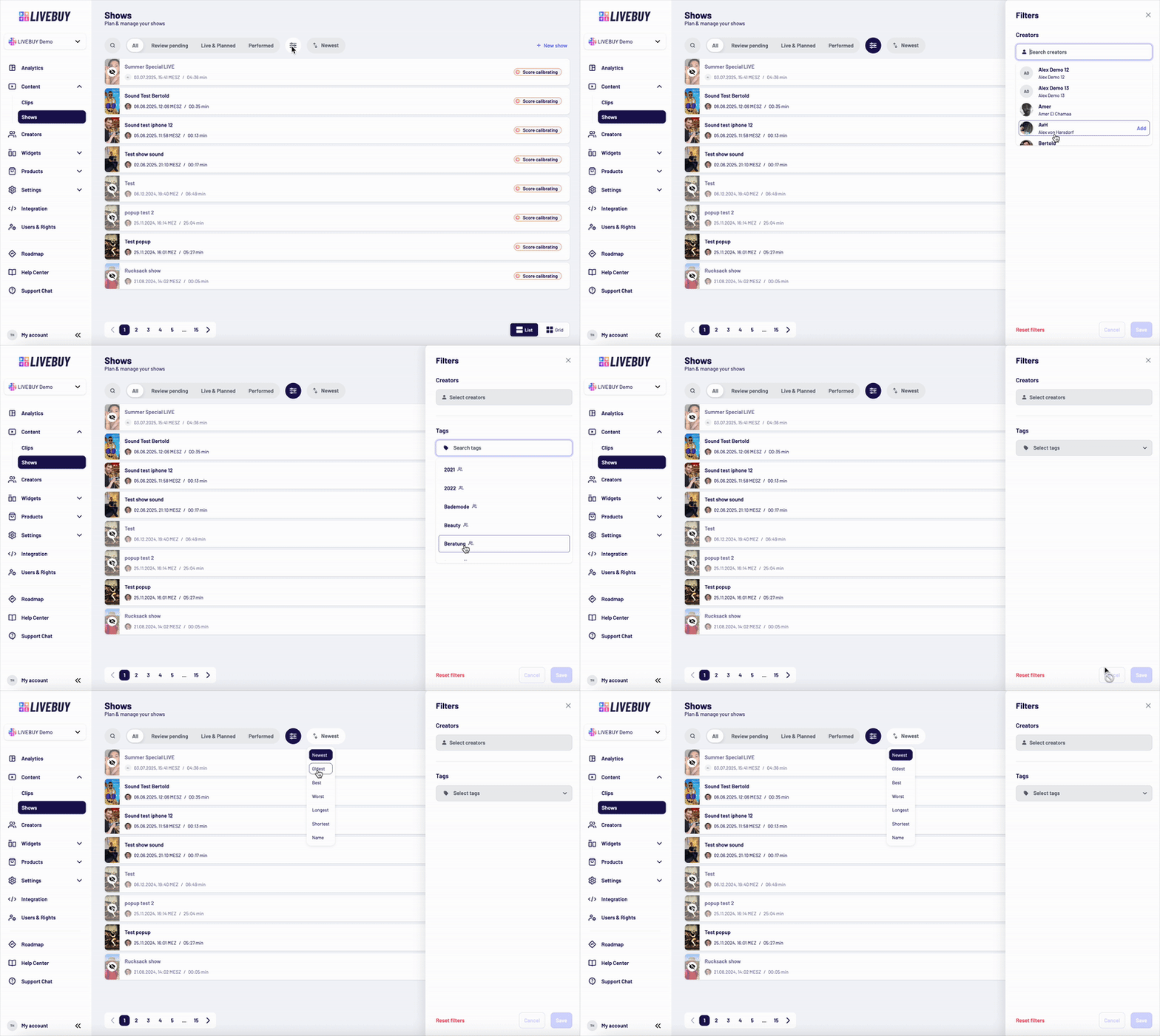
Click the filter icon to open a panel on the right side where you can filter shows by:
-
Creator
-
Tag
This helps you focus on specific content quickly.
Next to the filter icon, you can sort your shows using the following options:
-
Date: newest or oldest
-
Performance: best or worst
-
Length: shortest or longest
-
Name: alphabetically
The default sorting is set to newest.
The Shows section gives you full visibility and control over all your live shows and replays, making it easy to organize, review, and optimize your live shopping content.