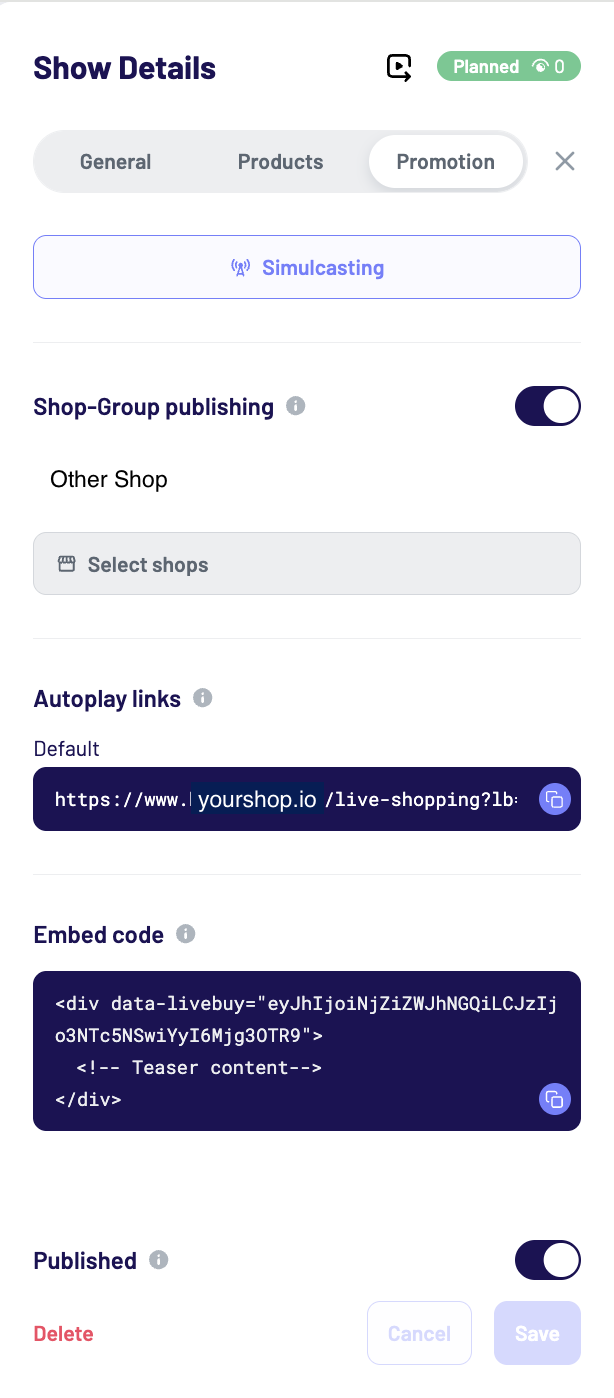
After the clip upload or saving a show, the promotion tab becomes available. The promotion tab includes:
-
Simulcasting options for shows only
-
Shop-group publishing
-
Autoplay links
-
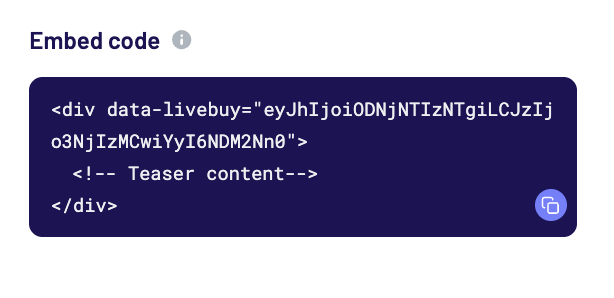
Embed code for single content piece
Simulcasting (for live shows only)
Enable Simulcasting to stream your live show simultaneously to:
-
TikTok
-
Instagram
-
A custom simulcast target
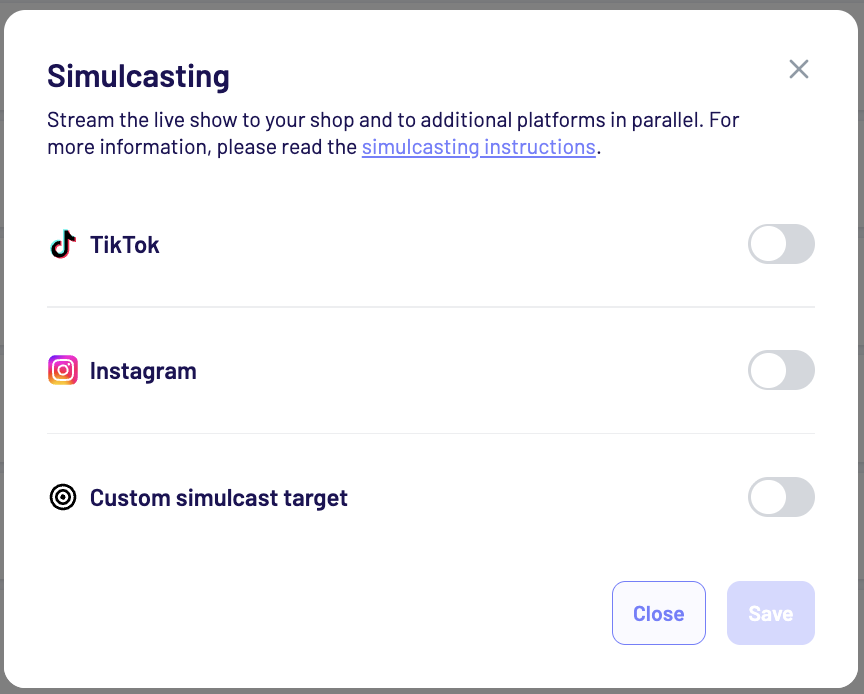
This allows you to reach audiences on multiple platforms while streaming directly to your shop. For setup details, please refer to the simulcasting instructions.
Shop-Group publishing
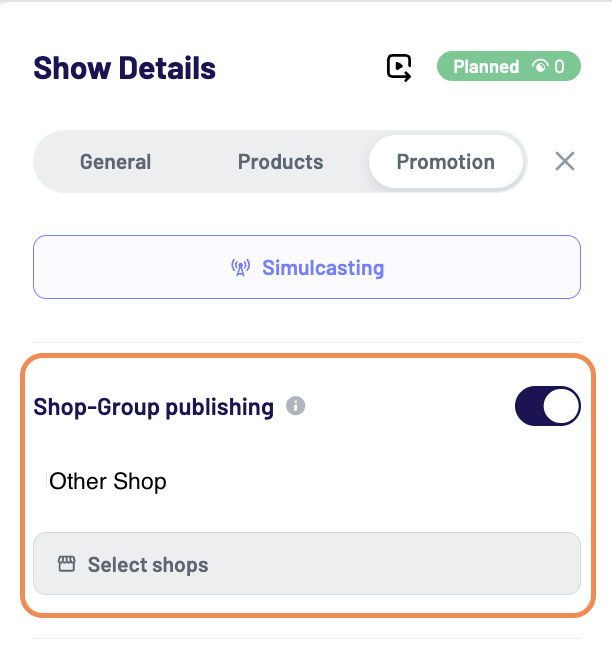
Content can be published to multiple shops within a shop group. A copy of this content piece will be published in the shops you have selected.
-
Enable the Shop-Group publishing
-
Select the shop(s)
-
The content will appear as new in the selected (child) group-shops
-
The parent can only edit the title, date, time and creator
-
The content will appear as a new entry
-
Products need to be edited individually
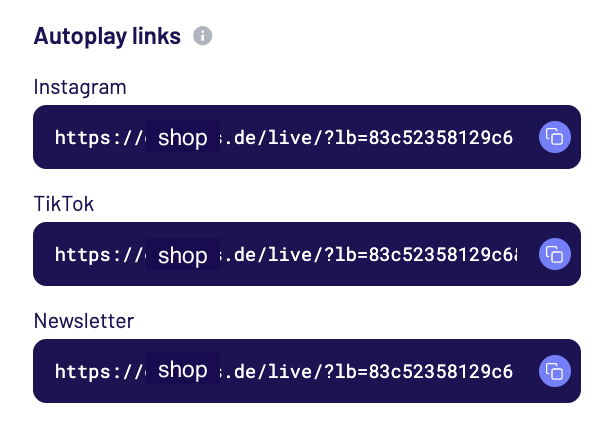
Autoplay Links
Autoplay links open the video player for this video directly in your shop. They are ideal for linking to the video from social media or for example your newsletter. Autoplay link base URLs can be managed in General Settings. The LIVEBUY SDK must be present on the landing page for autoplay links to work.
Embed Code
Copy and paste the code snippet into your shop’s HTML to embed a customizable trigger element on your page that opens the player when clicked. to open the player. This embed code is intended for a single content item (clip or show). The LIVEBUY SDK must be implemented on the page the code is being embeded into.