
The Inline Player widget displays a single video player directly within the page layout.

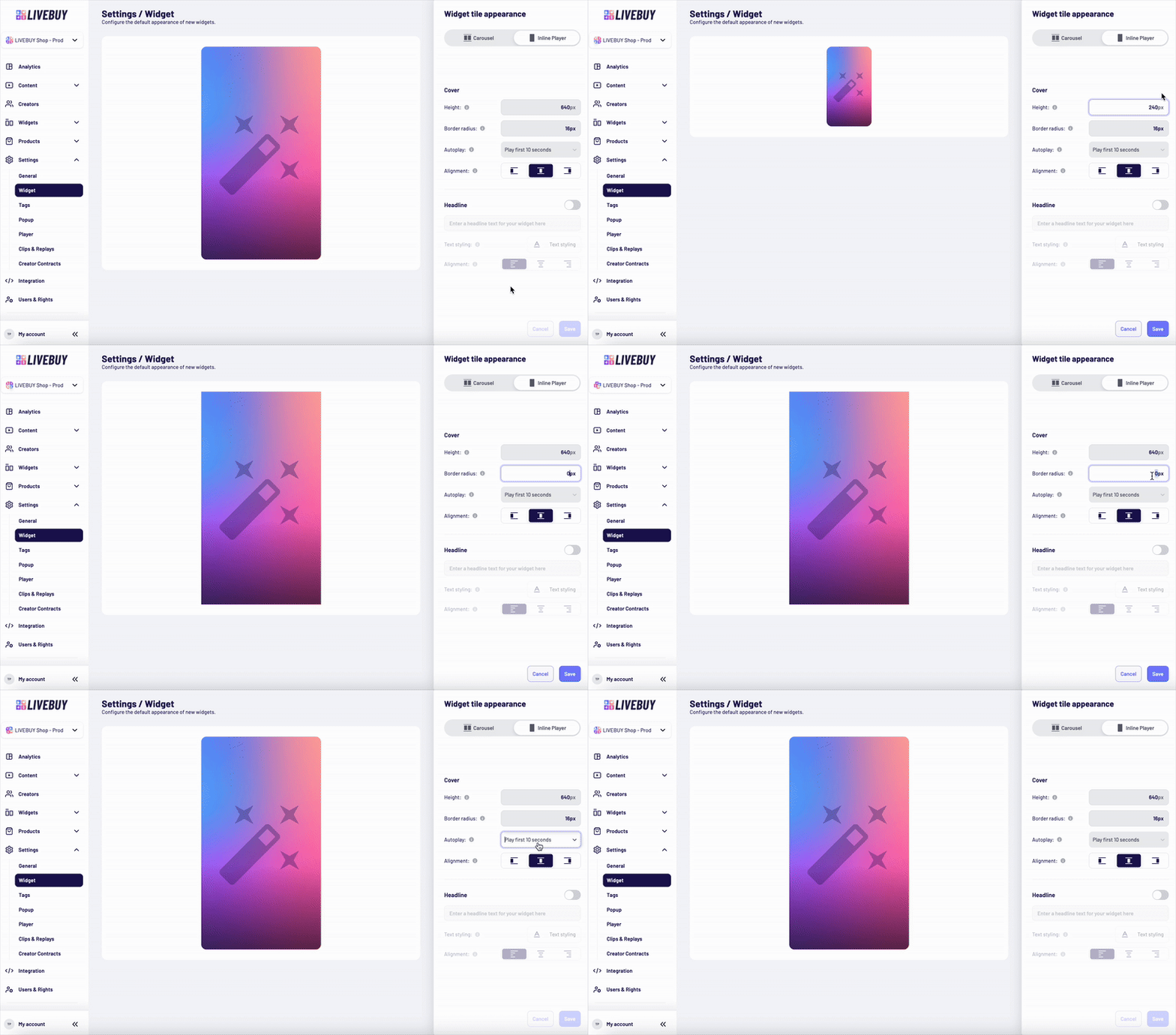
Cover Settings
-
Set the height of the cover in pixels
-
Only positive integer values are allowed
-
-
Set the border radius using valid CSS
-
Set the alignment of the element inside the widget
Autoplay Behavior
Configure how videos autoplay in the Inline Player widget. Autoplay is always muted and only starts when the video becomes visible to the user.
Available options:
-
No autoplay – User must click to start the video
-
Play first 5 seconds
-
The first 5 seconds of the video are played automatically. If the video is shorter than 5 seconds, it loops until a total of 5 seconds is played and then stops.
-
-
Play first 10 seconds
-
The first 10 seconds of the video are played automatically. If the video is shorter than 10 seconds, it loops until a total of 10 seconds is played and then stops.
-
-
Play full video 1 time – Plays once from start to end
-
Play full video 2 times – Plays twice from start to end
Headline (Inline Player)
-
Disabled by default
-
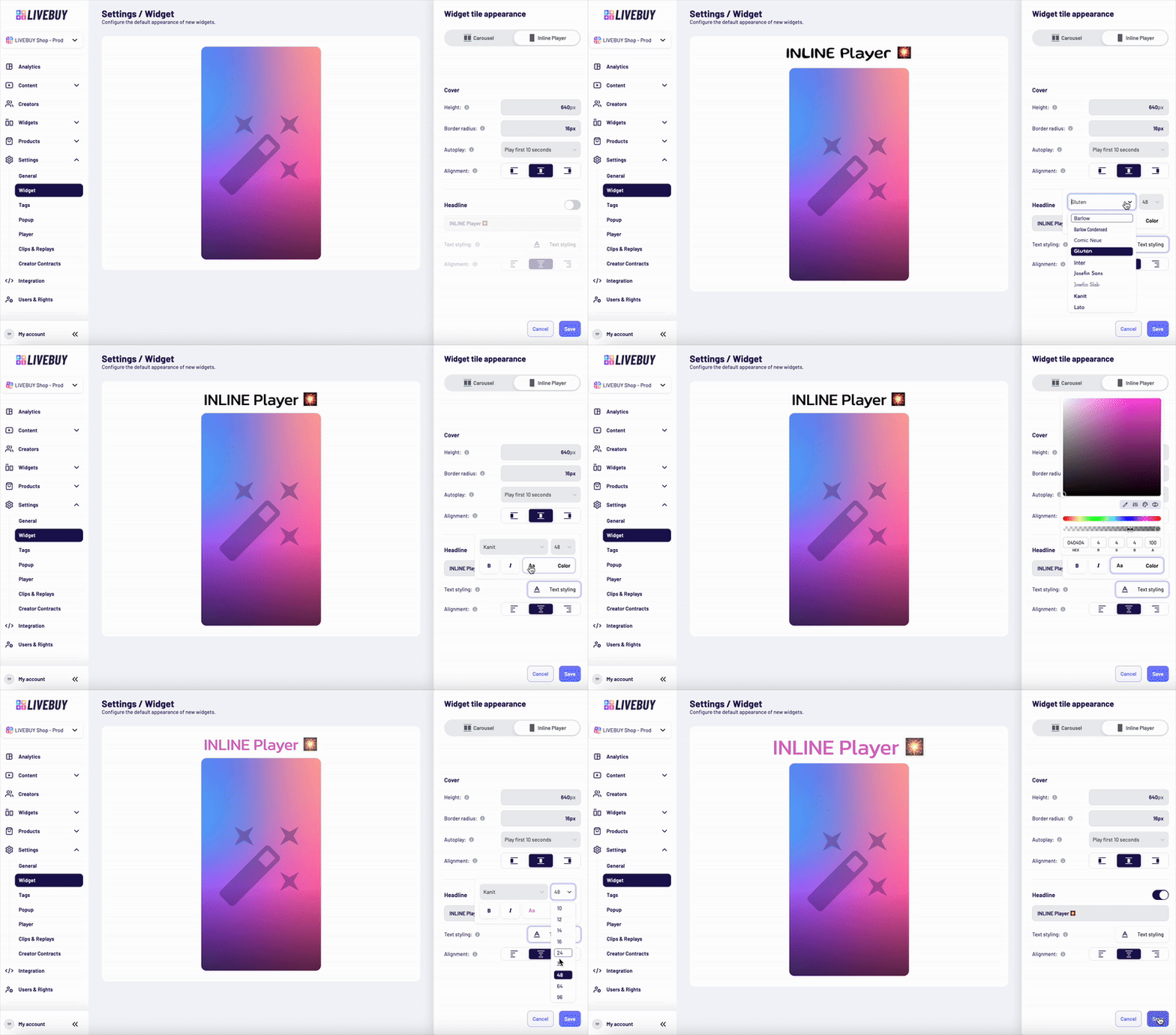
Enable via toggle to add a headline above the widget
-
Customize:
-
Font family
-
Font size
-
Font weight and style
-
Text color
-
Alignment inside the widget
-
Preview and Saving Changes
-
Use the Preview to see how your changes affect the widget in real time
-
Always save your changes before leaving the page to avoid losing adjustments
If you need help designing widgets or choosing the best configuration for your shop, please contact support@livebuy.io