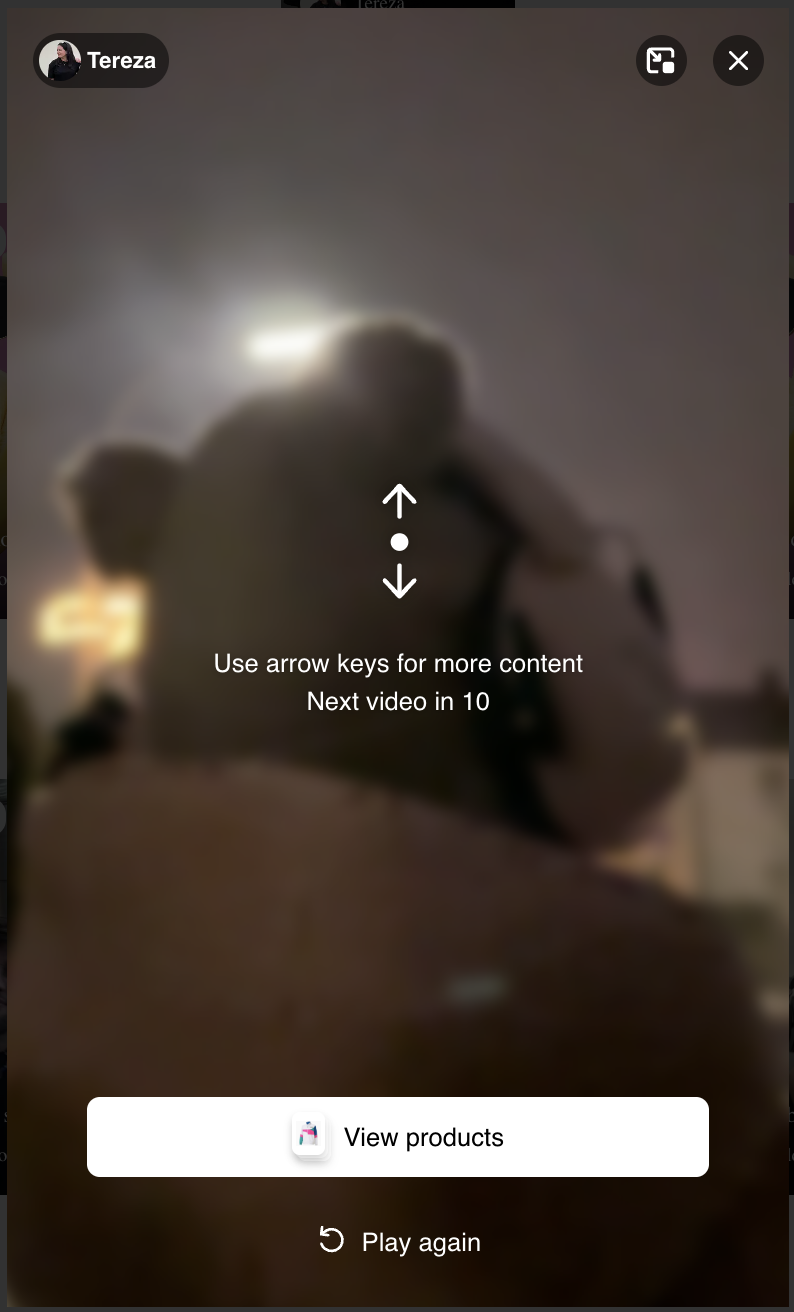
The LIVEBUY player has configurable settings for what happens when a content piece ends. These settings can be adjusted individually for each shop account by the LIVEBUY Team. To change your end-of-content behavior, please contact your Key Account Manager.
Settings
-
Auto-Loop-Clip - Default: 2
-
Determines how many times a clip automatically loops after finishing.
-
Example: If set to 2, a clip plays a total of 3 times (original play + 2 replays).
-
Note: Replays of live shows replays do not have a loop option; the auto play next content setting applies instead.
-
-
Auto Play Next Content Delay - Default: 10 seconds
-
After a clip finishes all its loops, or a replay of a live show ends, the next content piece plays automatically after a configurable delay
-
Viewer Options During the Countdown for next content piece
While waiting for the next content piece to autoplay, the player shows a countdown. During this time, viewers can:
-
Swipe to the next content piece
-
View the products from the content just watched
-
Click play again to replay the clip or show replay