
The creator information is displayed in the top-left corner of the LIVEBUY Player and helps viewers easily identify who is presenting the content.
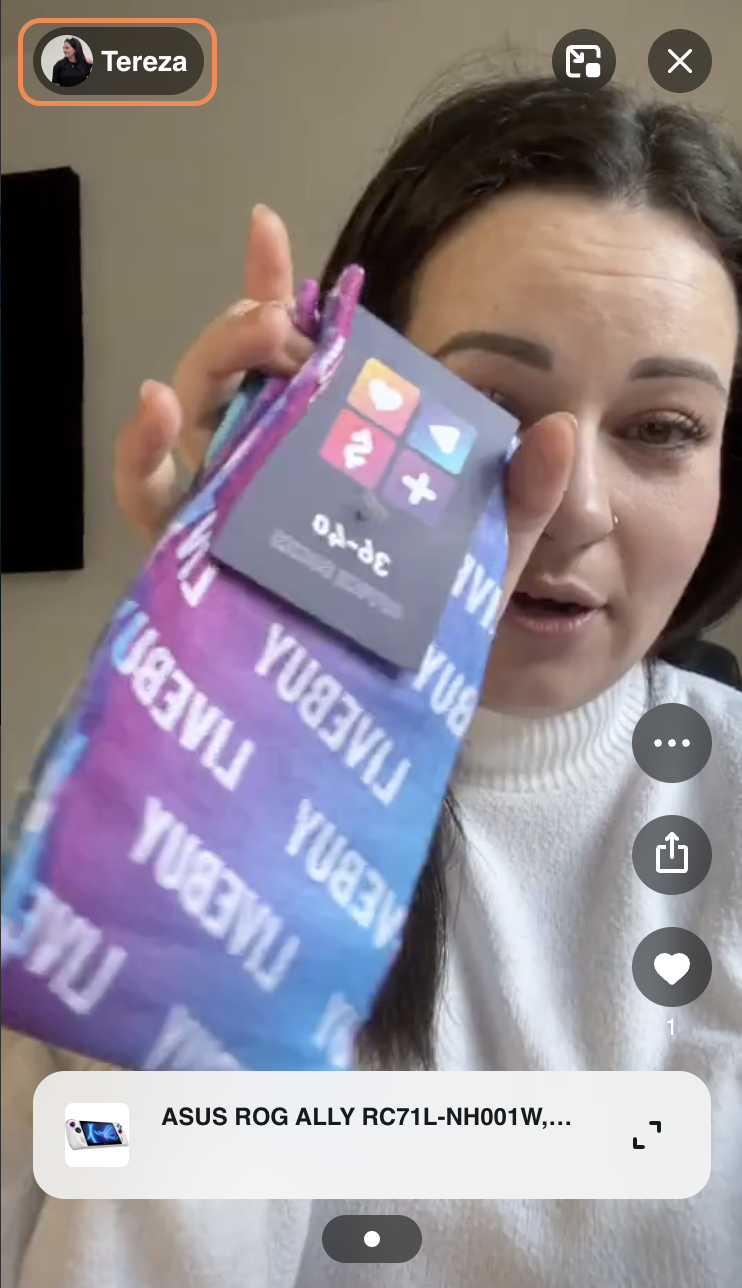
What’s Displayed
-
The creator icon (profile picture)
-
The creator name
During Live Shows, a Live badge is also shown next to the creator information.
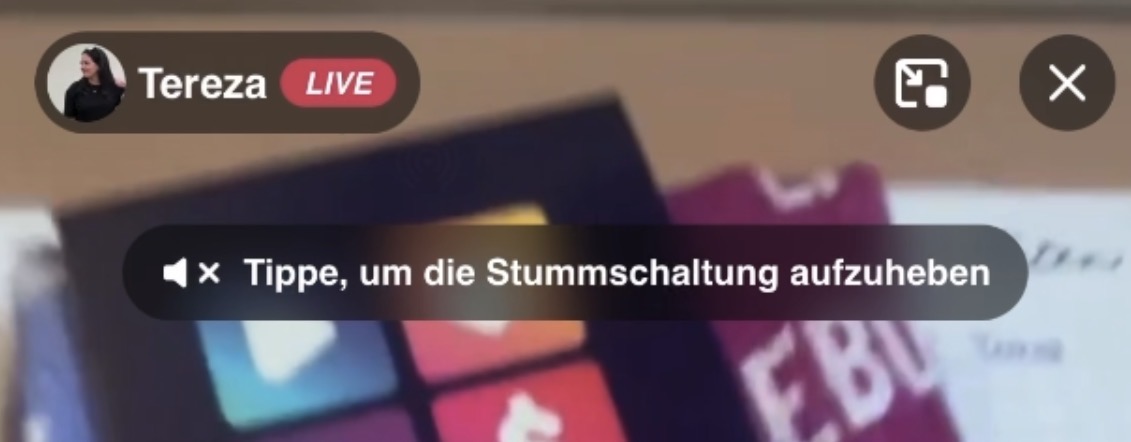
Creator Profile Link
If a shop is working with creator profiles, viewers can click on the creator icon or name to open the creator’s profile.
-
This link is based on the creator URL stored in the creator’s account.
-
If no creator URL is provided, the creator icon and name are not clickable and are displayed for informational purposes only.