
If you’ve forgotten your password or need to create a new one, you can easily reset it by following the steps below.
These instructions apply to dashboard users only. External creators who do not have dashboard access must reset their password via the Creator App.
Note: If a dashboard user is also a creator, resetting the password will update it for both the dashboard and the Creator App at the same time.
Step-by-Step Instructions
-
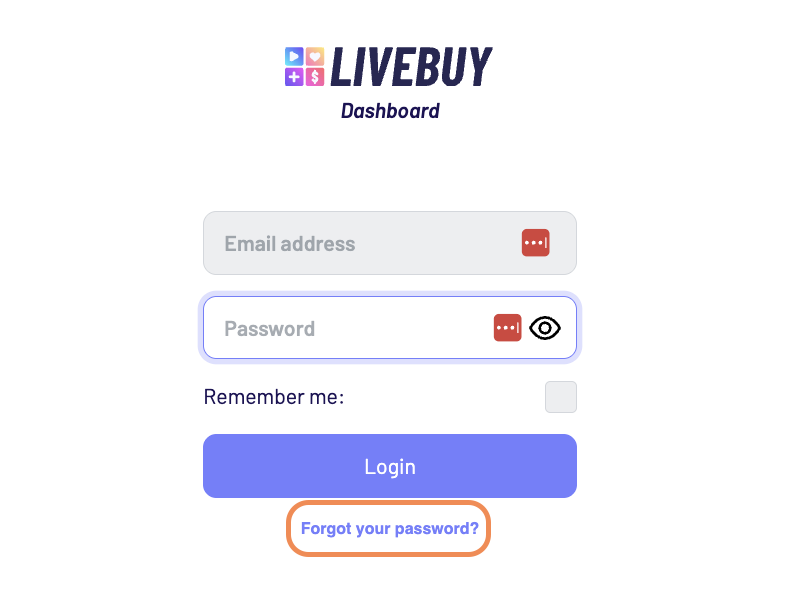
Go to the LIVEBUY Dashboard login page.
-
Click on Reset password.
-
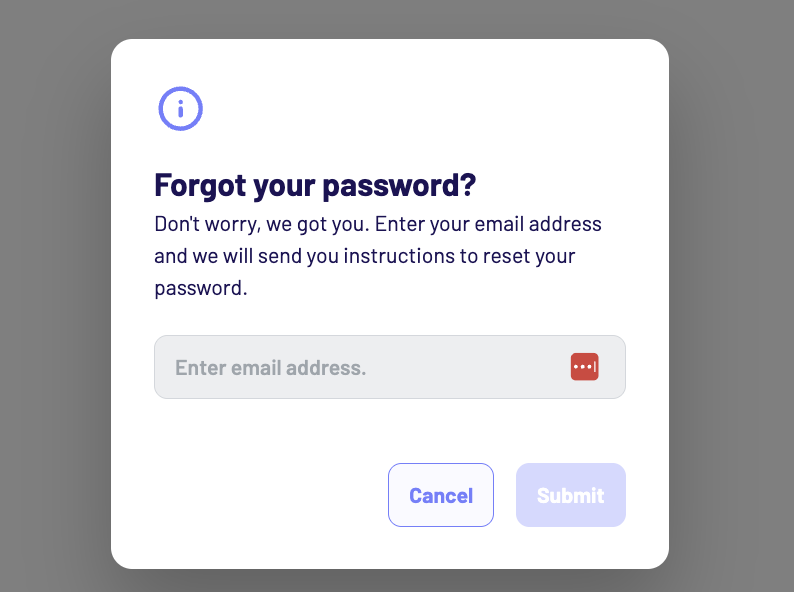
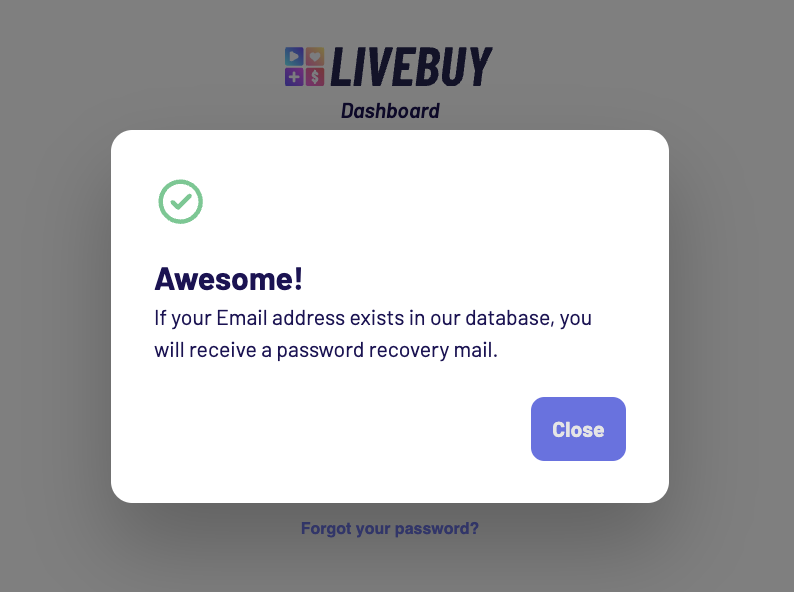
Enter the email address associated with your LIVEBUY account and submit the form.
-
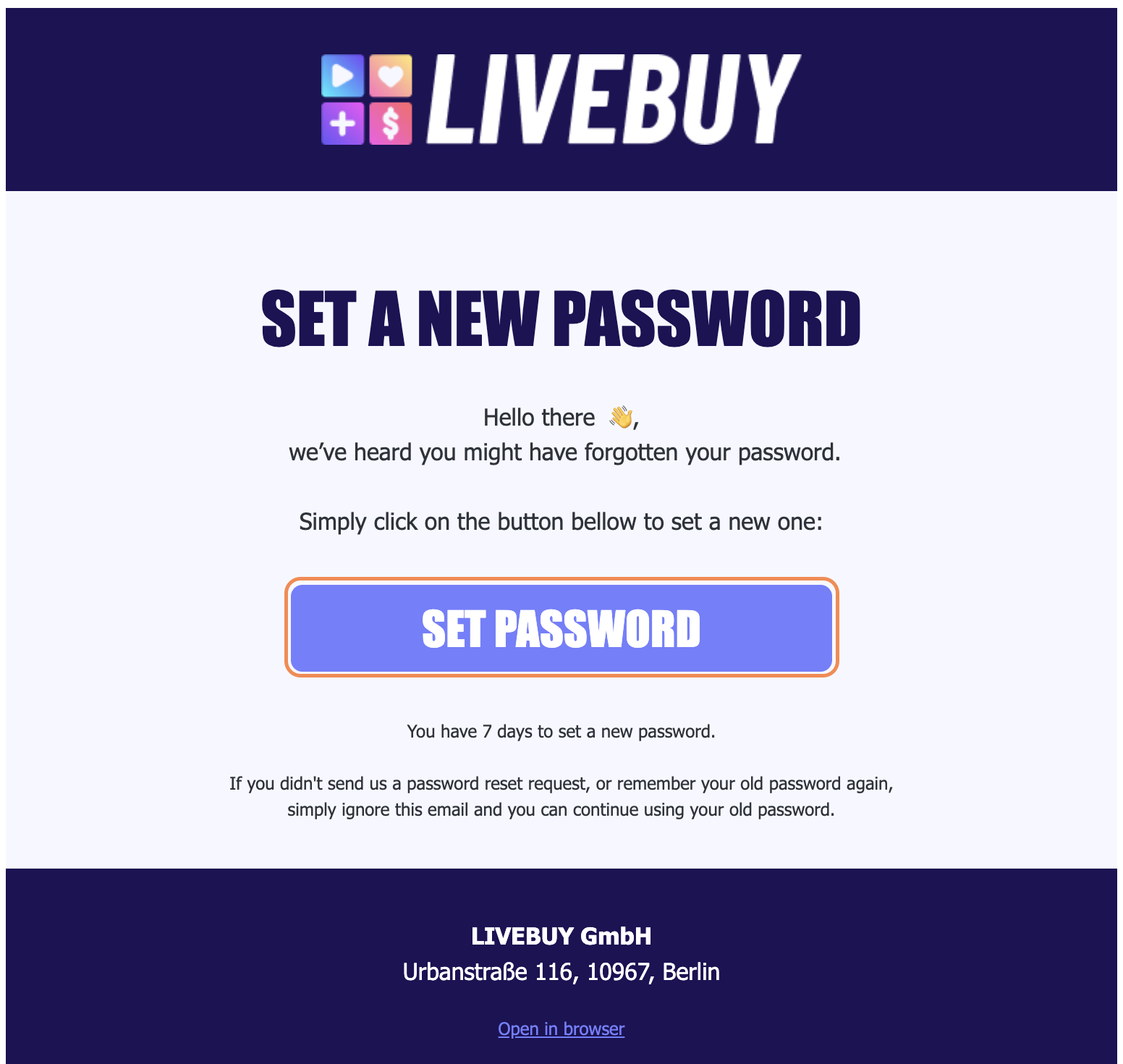
Check your inbox (spam also) for the password reset email.
-
In the email, click set password.
-
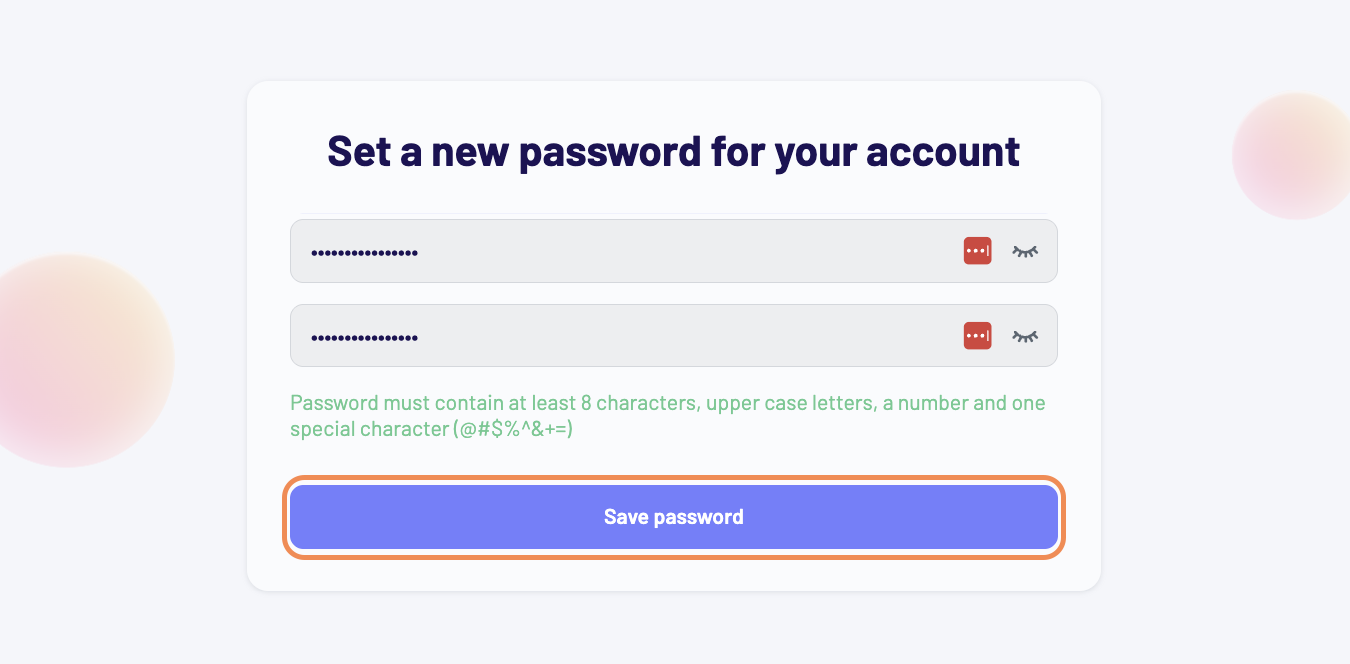
Enter your new password and click Save password.
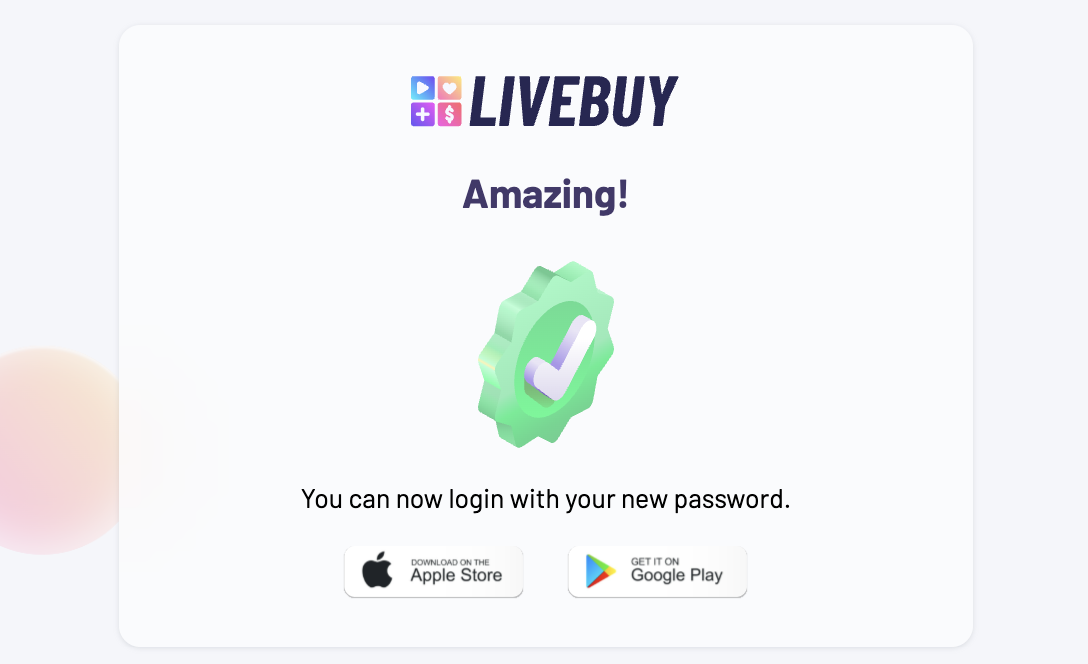
Your password has now been updated, and you can log in to the LIVEBUY Dashboard using your new credentials.
Still have questions? Our Support team is here to help.