
If you’ve forgotten your creator password or need to create a new one, you can easily reset it by following the steps below.
These instructions apply to external creators & dashboard users.
Note: If a creator is also a dashboard user, resetting the password will update it for both the Creator App and the dashboard at the same time.
Step-by-Step Instructions
-
Open the LIVEBUY Creator App
-
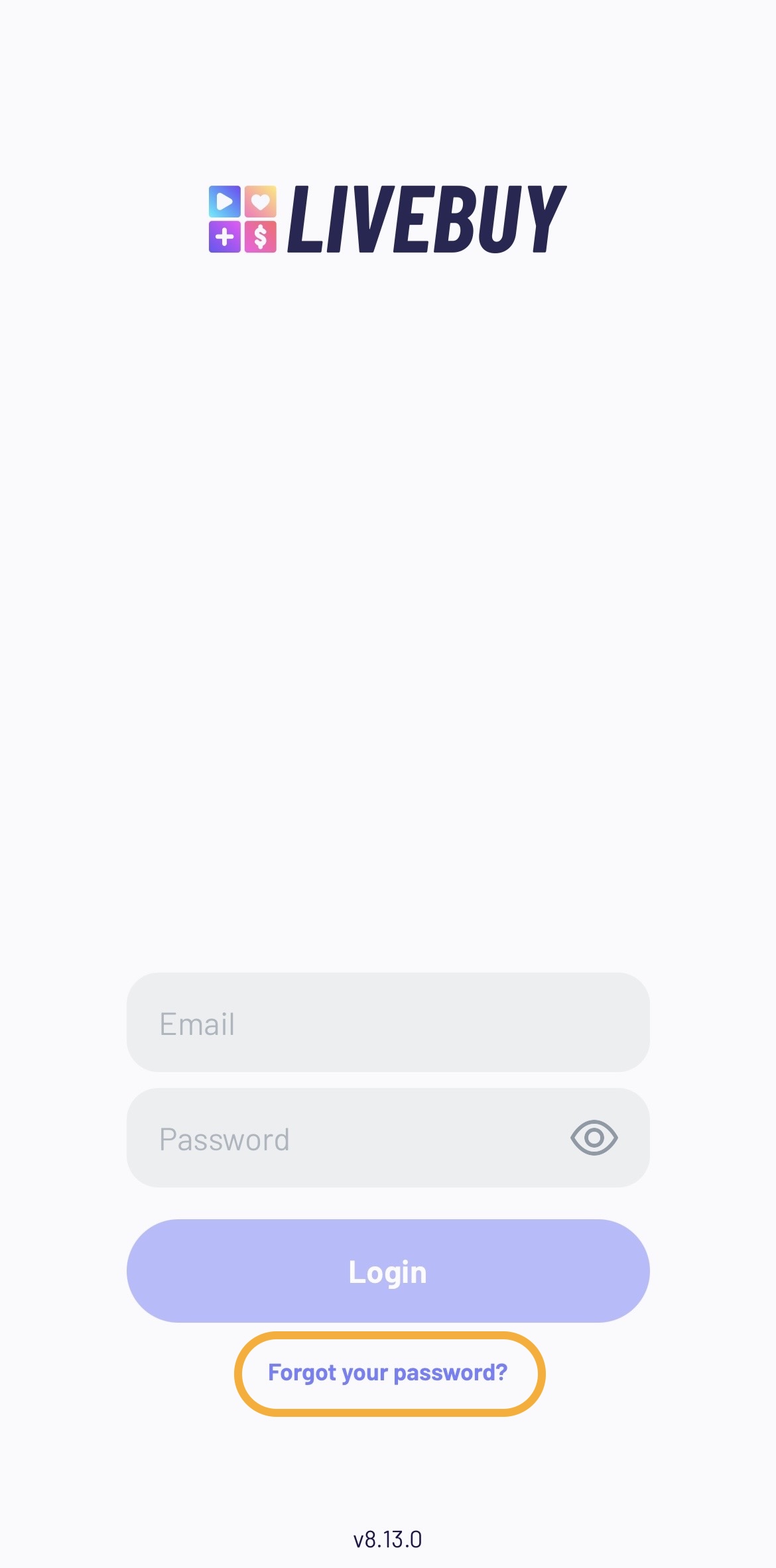
Click on Reset password.
-
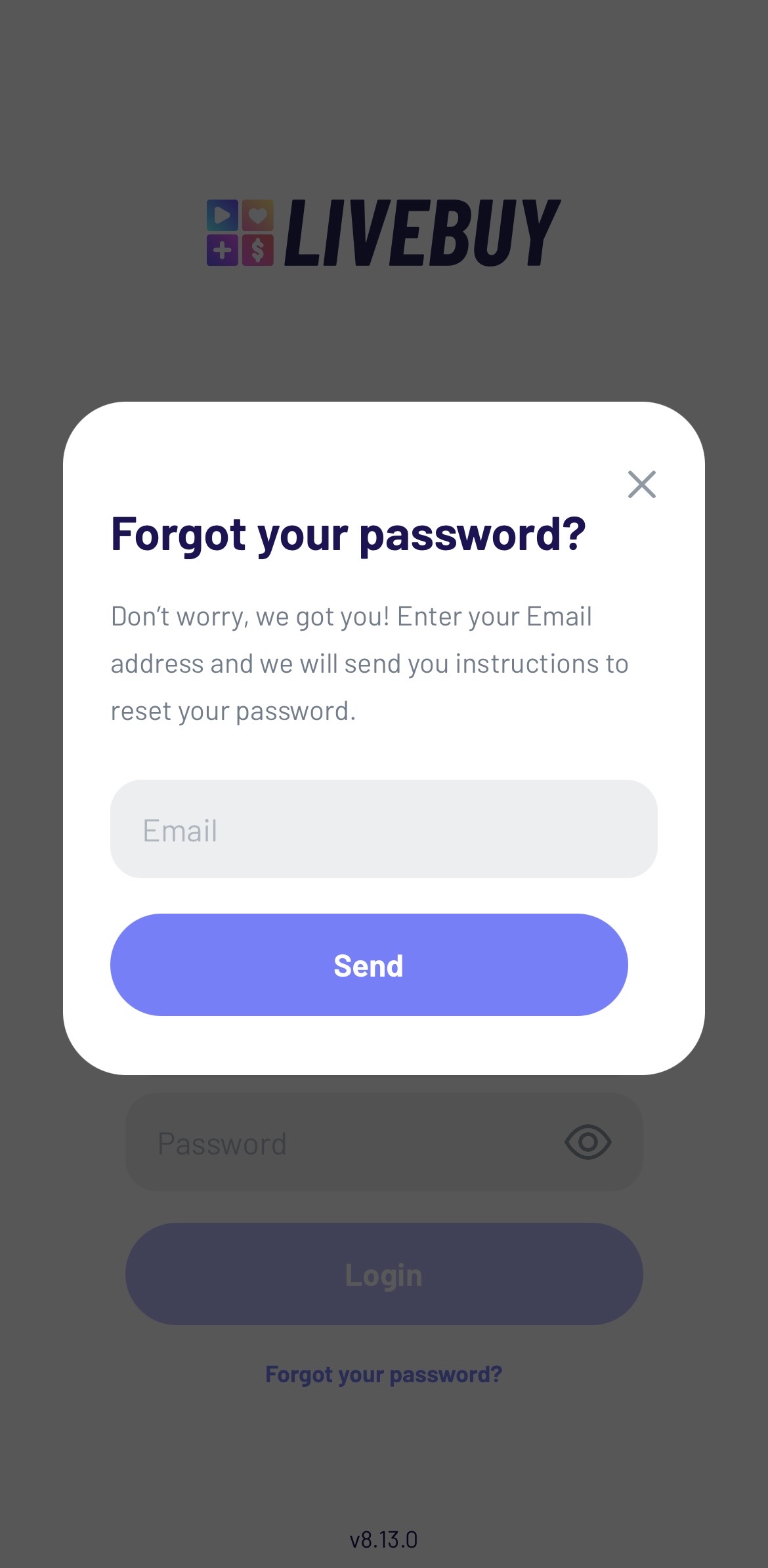
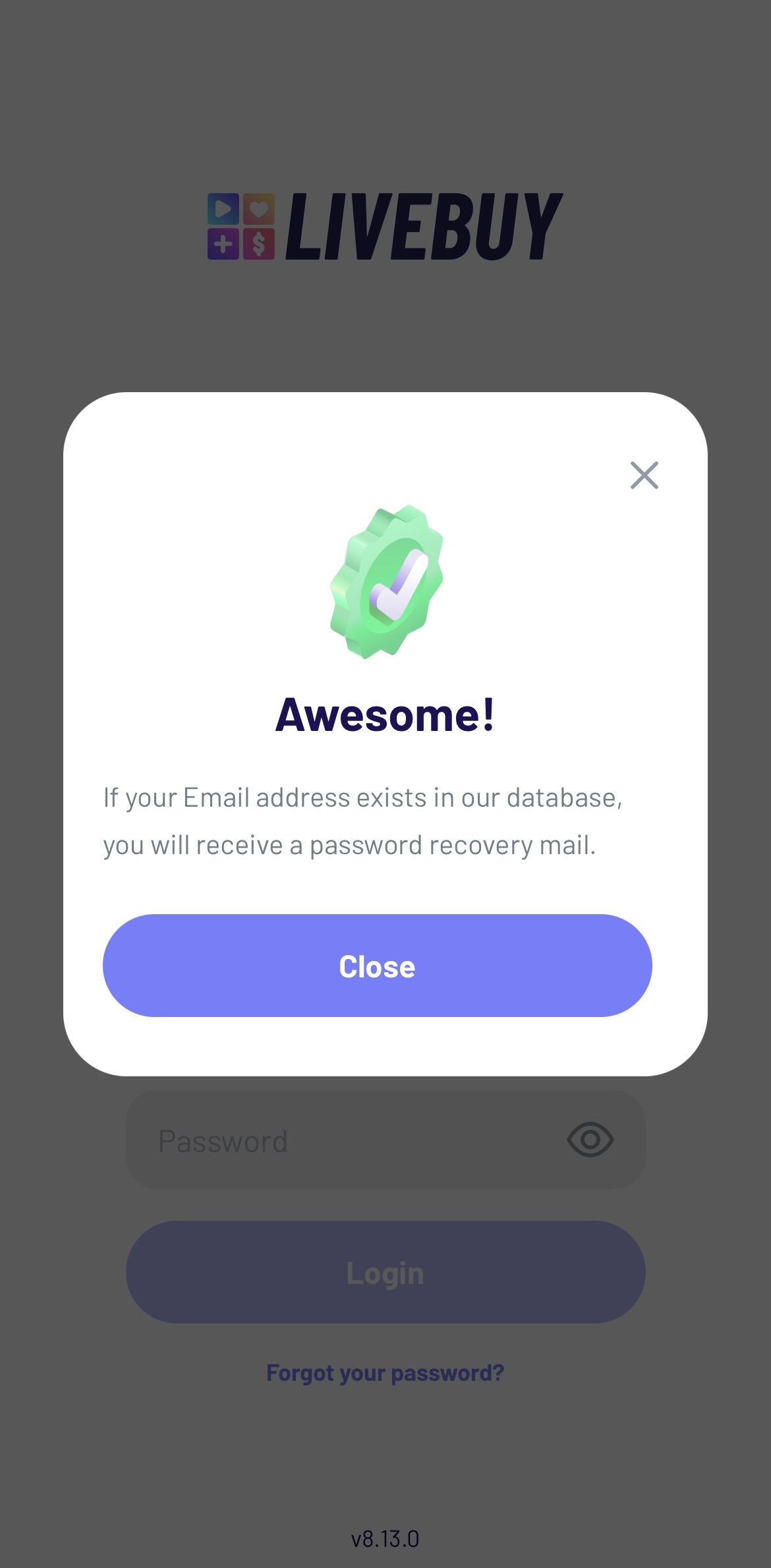
Enter the email address associated with your LIVEBUY account and submit the form.
-
Check your inbox (spam also) for the password reset email.
-
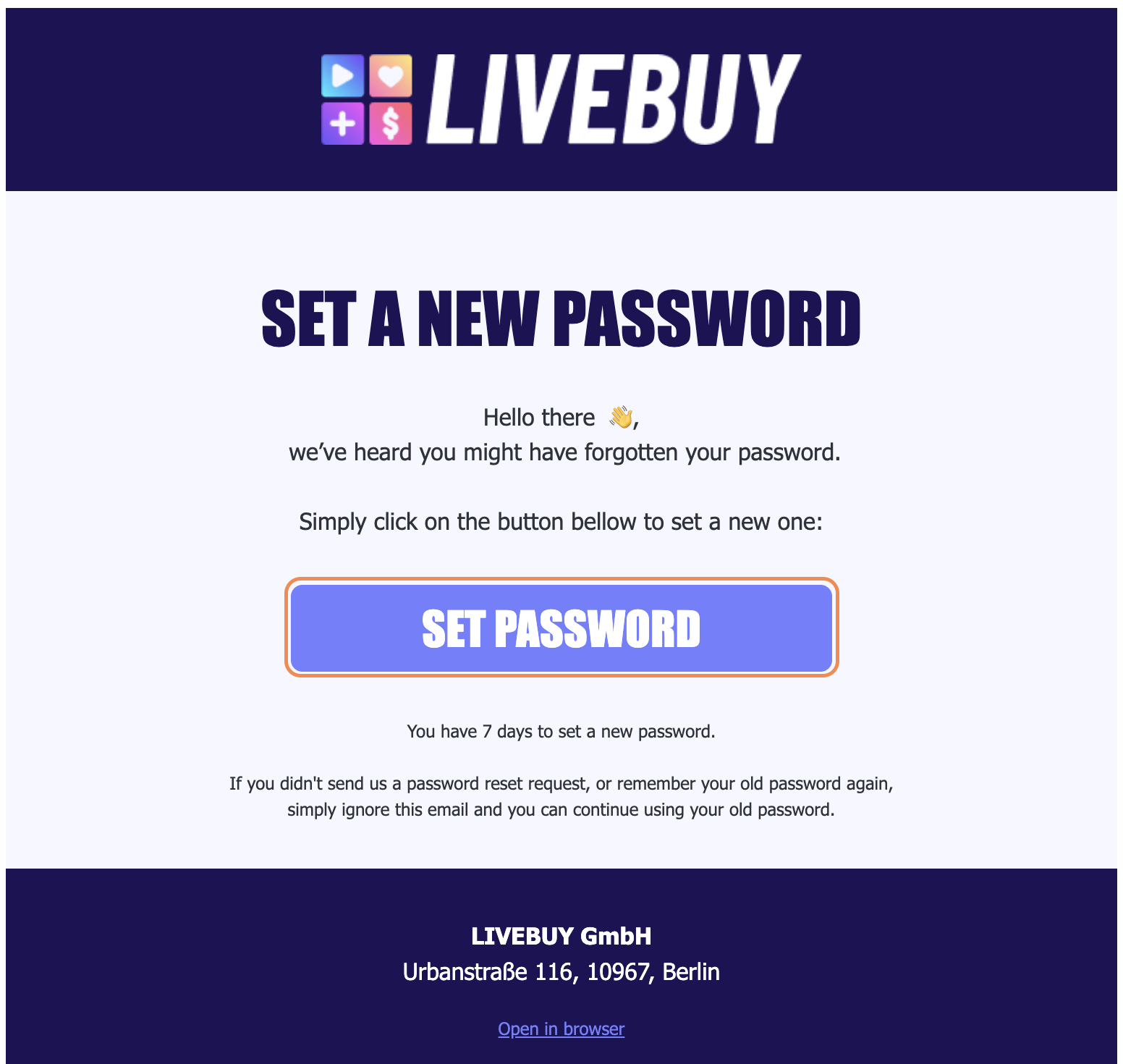
In the email, click set password.
-
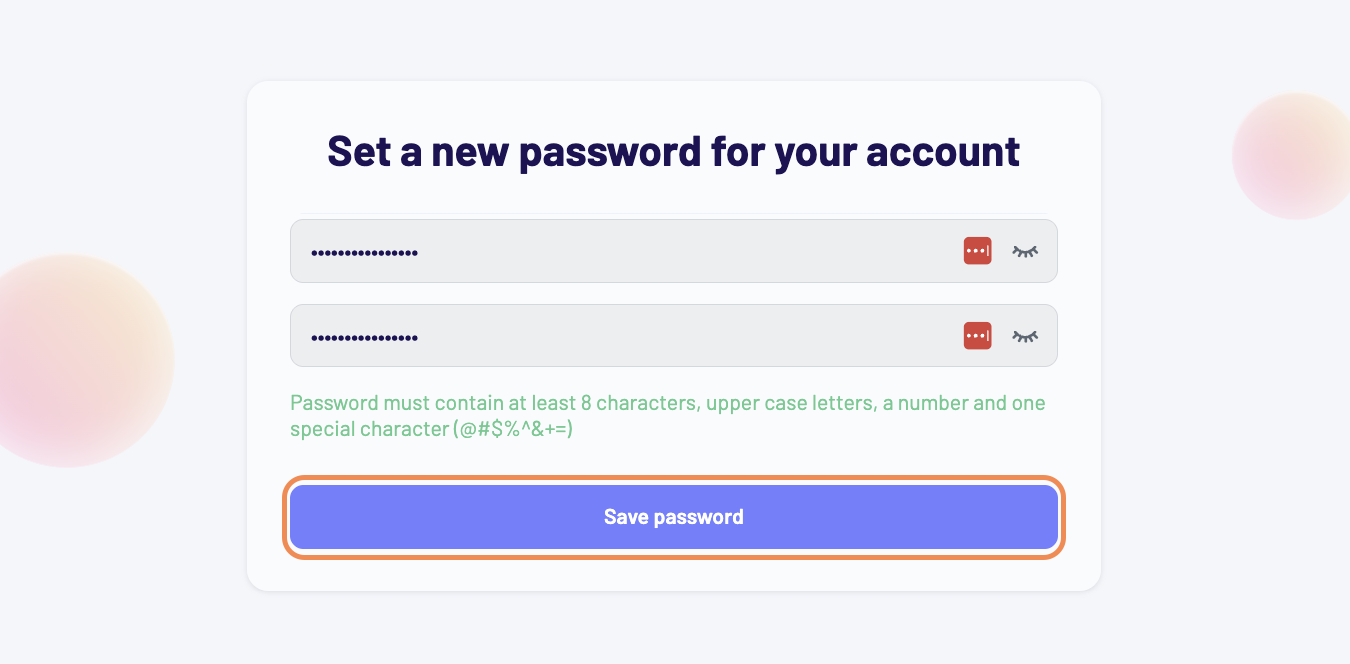
Enter your new password and click Save password.
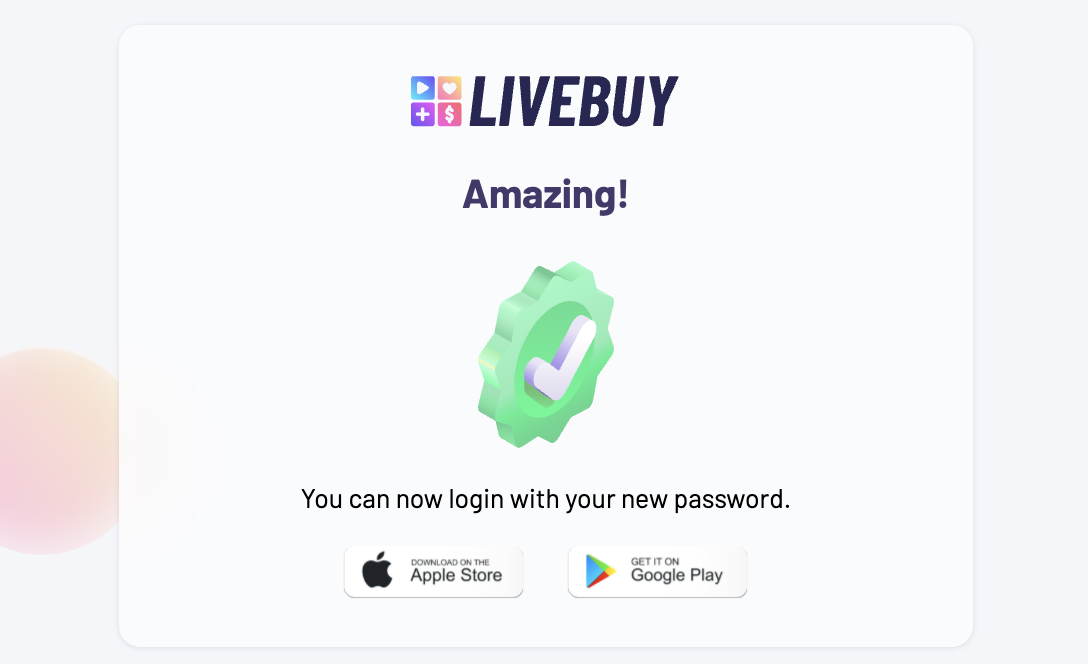
Your password has now been updated, and you can log in to the LIVEBUY Creator App using your new credentials.