Content Level Reporting
Login to your LIVEBUY app
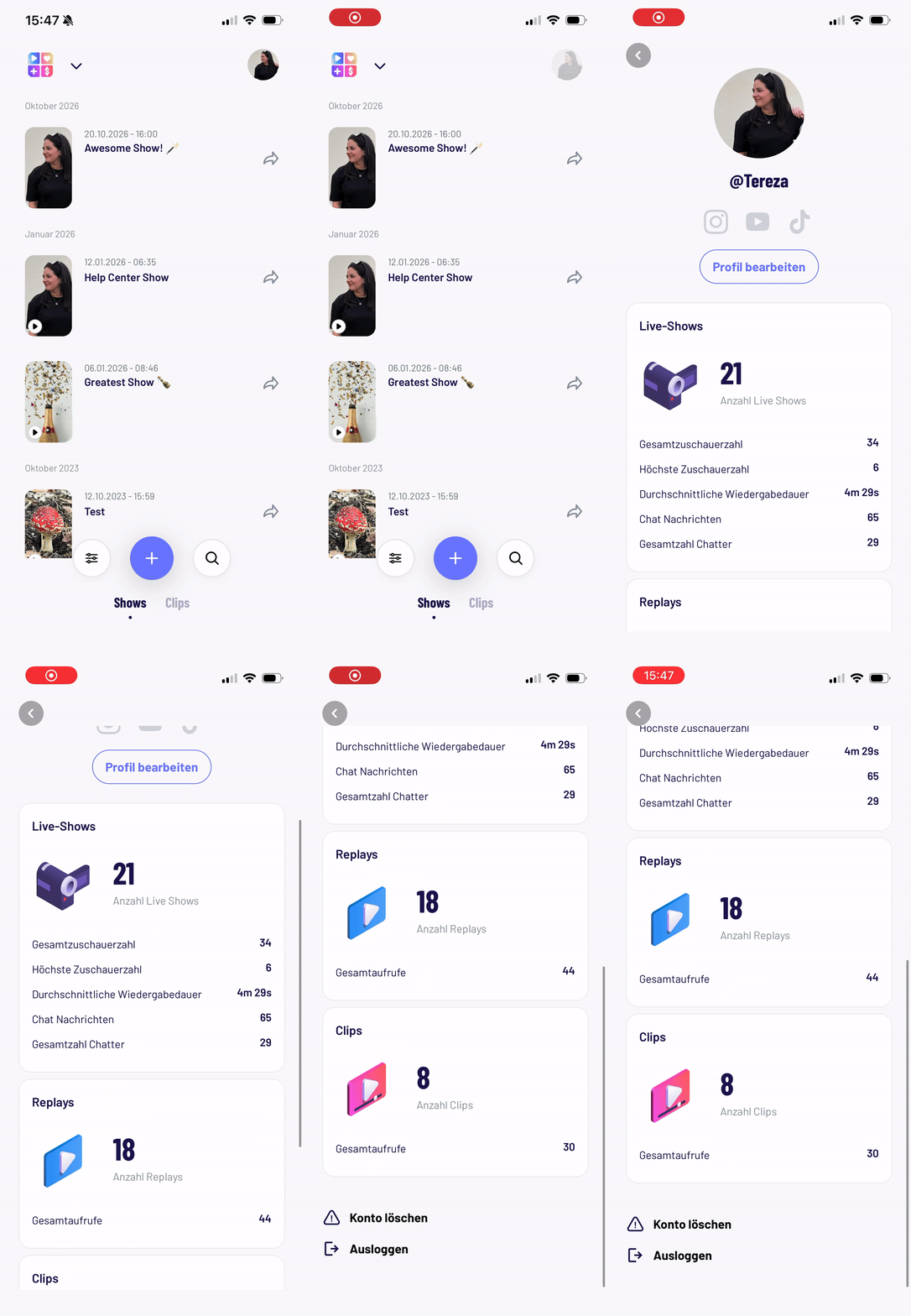
Select the shop where you have uploaded your clip and/or performed your show and you will see all your clips and past shows.
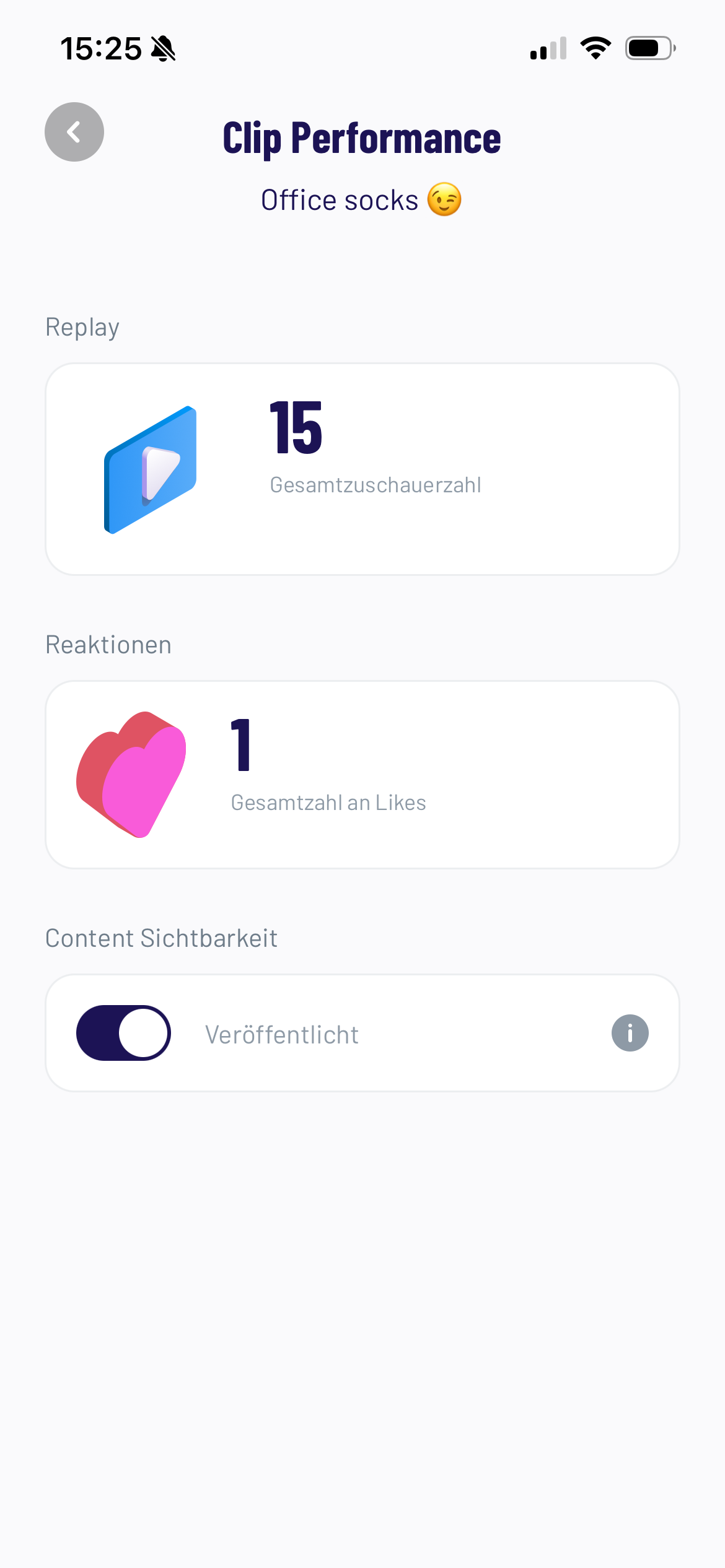
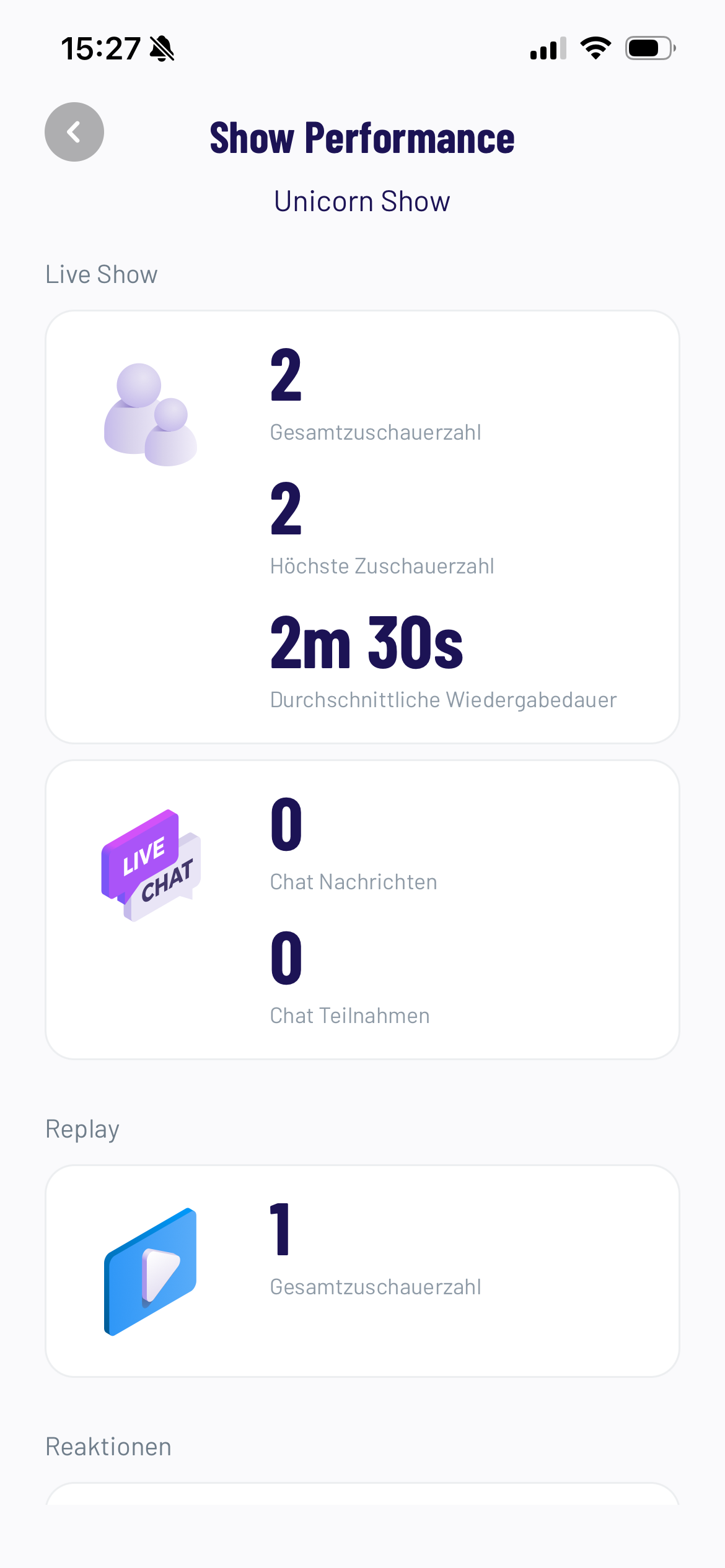
Tap on a clip or show
You get a brief overview of how many viewers visited your content, how long they stayed and how they interacted with you.
Creator Level Reporting
-
Select the shop for which you want to view your analytics.
-
Click on your profile icon in the top-right corner to open your profile.
-
See the total views across all your clips, live shows, and their replays.
-
For Live Shows, you can also view the highest concurrent viewers, average view duration and the total number of chat participants and messages.