Individual show covers
Every show can have its own individual show cover.
To change it, go into the show settings in the LIVEBUY dashboard and upload your desired image. If no image is set the fallback cover image is used.
Note: Recommended size: 292x512 pixels and a 9:16 format.
Creator show cover - fallback image
In case no cover is set the fallback image will be displayed.
You can set the fallback image when creating or updating a creator account.
Animated show cover
Animated show covers are short GIF previews of a currently running live show.
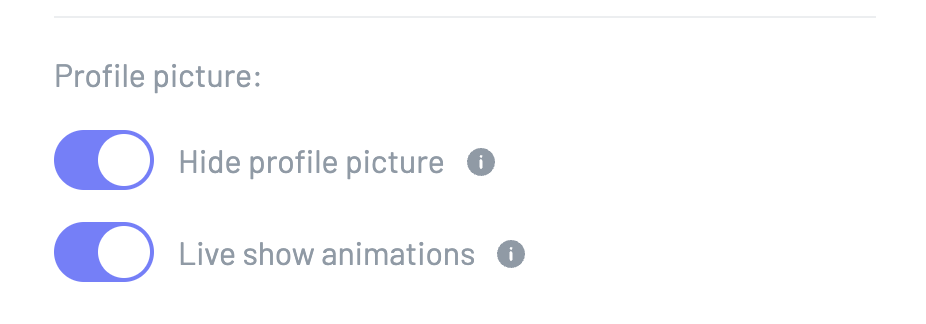
To activate them go into the dashboard > settings > widget and select "Live shows animation"
Comments
0 comments
Article is closed for comments.